
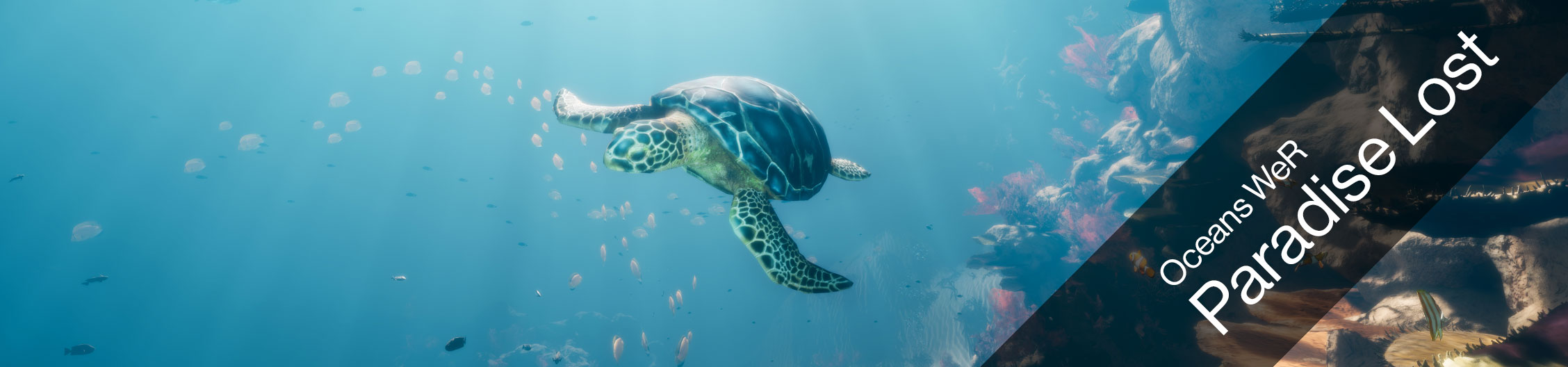
Paradise Lost is a full-body XR diving experience. It invites us to explore untouched coral reefs filled with millions of fish, as a sea-turtle. Along with a compelling narrative, you get to experience how global warming and man-made pollution is affecting the now-threatened underwater ecosystem.
Technical Details
- Filesize: 3.65 GB
- Estimated Download Time: 9h (1Mbit/s), 1h (8Mbit/s), 20min (24Mbit/s)
- Graphic Hardware Requirements
- With HTC Vive: Nvidia 2080 Ti
- With Valve Index: Nvidia 2080 Ti
- Free Disk Space: 10 GB
Experience Settings
 |
For more information of how to access and edit the Experience settings click here. |
Gameplay
| Settings Name | Settings Info |
|---|---|
| GameSessionTime |
Time in seconds - Change this number to extend the play time for each game. |
| AudioOptions | 0 = Random Voice Over (F or M) 1 = Female Voice 2 = Male Voice 3 = No Voice Over 4 = No Voice Over and no Music |
| Language | 0 = English 1 = French |
Hardware
| Settings Name | Settings Info |
|---|---|
| StandardLandingPosition | Change the height of the get-on position when the Experience starts for the first time. 0 = Low 1 = Middle 2 = High |
Movie
| Settings Name | Settings Info |
|---|---|
| MovieEnabled | true = Idle Movie will play when machine is not in use false = Idle Movie will never play |
| MoviePath | Choose a video file saved on the Birdly computer that you want to play as idle movie. If left blank, it will play the default idle movie. You can also have multiple videos play after each other. For this you have to copy and paste the folder location that contains all the movies. (Example: "C:/User/Birdly/Documents/IdleMovie/") |
Quality
| Settings Name | Settings Info |
|---|---|
| MusicEnabled | true = Music will play false = There will be no music playing |
| RenderQuality | Change the overall graphic quality of the game. If you are still using old computer hardware, you can reduce the graphic quality for faster game playback. 0 = Low Quality (Birdly V1) 1 = High Quality (Birdly V2, or upgraded V1 computer hardware) 2 = Epic (Only if machine has at least a RTX 2080 TI graphic card installed) |
| TextureStreamingEnabled | N/A - Do not change this setting. Keep it "true" |